Short answer: Most AI meeting assistants handle either digital meetings (everyone on their own device) or in-person meetings (one recording in the room), but not the combination. In hybrid meetings, everyone in the conference room becomes a single "speaker" in the transcript, usually the person who connected the laptop. Flowmeets separates the voices in the room, attributes remote participants through their own audio channels, and identifies external participants too. Without storing voice profiles or any other biometric data, with all data processed inside the EU.
Below: why the problem is so hard, how Gong, Otter and Fellow handle it today, and what it takes to actually solve it.
What is a hybrid meeting and why does it break AI transcription?
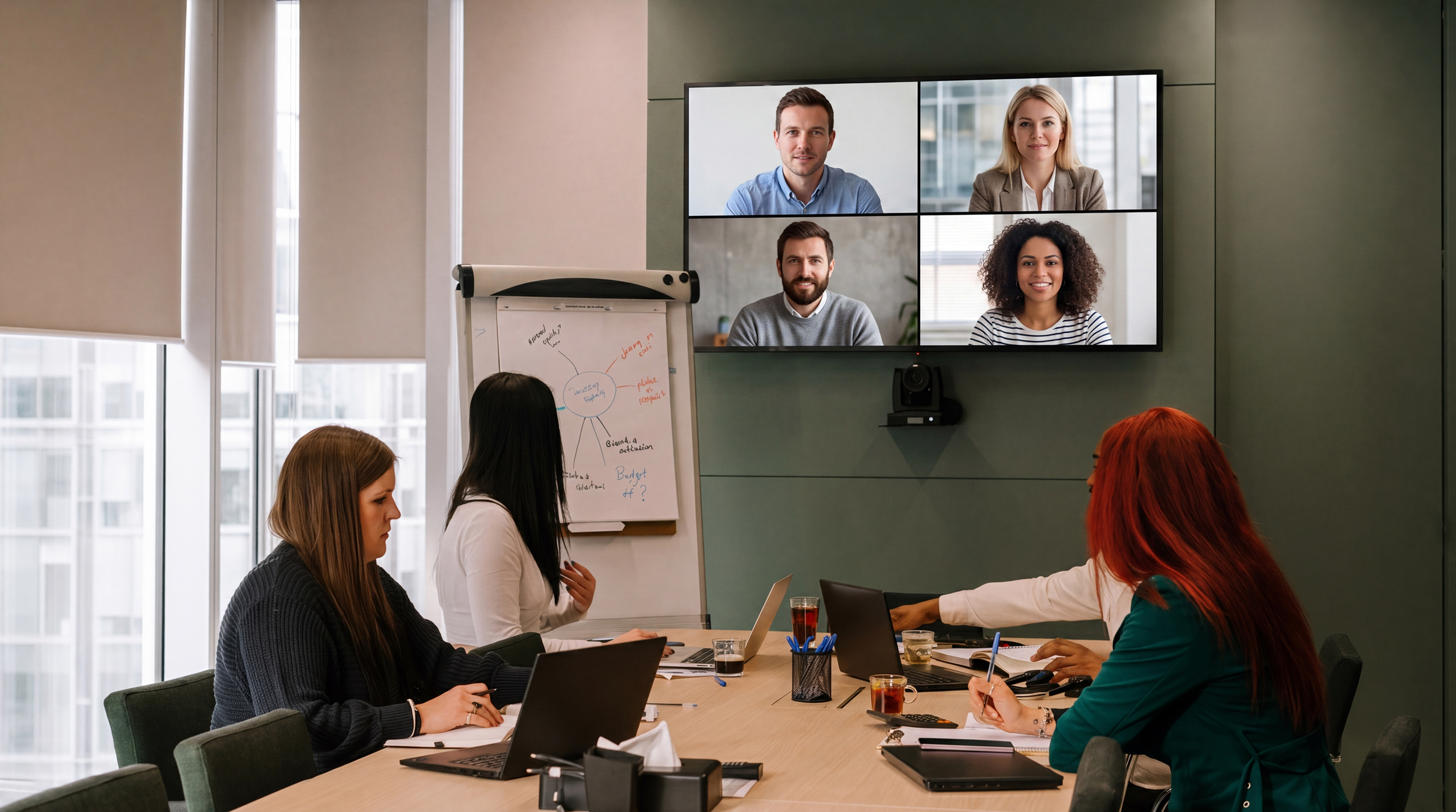
A hybrid meeting is one where some participants sit together in a physical room while others join remotely by video. On hybrid workplaces it is now the most common meeting format, and the hardest one for AI meeting assistants to transcribe correctly.
The reason is technical. Remote participants arrive as separate, clean audio channels with names attached. But everyone in the conference room shares one microphone. To the meeting platform, the room is one participant. Separating several voices from a single audio stream after the fact (speaker diarization) and then putting the right name on each voice is one of the hardest problems in speech recognition.
The consequence: the most important lines in the meeting get attributed to the wrong person, or to no one. A customer meeting where the prospect's objections are logged under the sales rep's name. A panel interview where three interviewers merge into one voice. A QBR where the customer's feedback disappears into "Speaker 1".
How do Gong, Otter and Fellow handle hybrid meetings?
Gong separates in-room speakers only on Zoom Native calls, and even then without names. Speakers get the room name plus an index, to be corrected manually afterwards. On Teams or Meet, the entire room becomes a single talk track. Gong's own recommended workaround for hybrid meetings is that everyone in the room joins from their own device. In other words: turn your hybrid meeting into a digital one.
Otter offers both mobile recording for in-person meetings and a bot for digital ones, but as two separate modes. The actual combination, room plus remote in the same meeting with correct attribution throughout, is not addressed.
Fellow deserves credit as the only major player with a genuine hybrid architecture: the system attempts to distinguish voices sharing a microphone. But by their own documentation, accuracy drops with background noise and crosstalk, unidentified voices get labels like "Conference Room A", and automatic naming relies on stored voice profiles that only work for users inside your own organization. External participants are not identified.
That last point is the crux. In a customer meeting, an interview or a QBR, it is the external party's words that carry the value. A tool that only identifies your own team has solved the wrong half of the problem.
How does Flowmeets solve speaker identification in hybrid meetings?
Flowmeets was built on the principle that meeting intelligence has to cover every meeting: digital, in-person and hybrid. The hybrid meeting was never an edge case for us. It was the starting point.
Automatic voice separation in the room. Flowmeets separates the voices in the room's audio stream and keeps them apart throughout the meeting, while remote participants are attributed through their own channels. One meeting, one coherent transcript, the right person on every line. Regardless of video platform.
External attribution, not just internal. The customer, candidate or partner in the room is not "Speaker 2". Flowmeets matches in-room voices against the calendar invite and suggests identities. Corrections take one click, directly in the transcript.
No voice profiles. No biometric database. Flowmeets identifies speakers per meeting, without ever building a database of voiceprints. Stored voice profiles are biometric data under GDPR Article 9, requiring explicit consent from every individual, including your customers and candidates. We removed that entire risk surface: full hybrid attribution, zero biometric storage.
All data inside the EU. Audio and transcripts are stored and processed within the EU, under European law. For European organizations, that is the difference between a two-minute compliance review and a two-month one.
Comparison: speaker identification in hybrid meetings (2026)
| Flowmeets | Gong | Otter | Fellow | |
|---|---|---|---|---|
| Digital meetings | ✅ | ✅ | ✅ | ✅ |
| In-person meetings with speaker separation | ✅ | ⚠️ Single shared track | ⚠️ Separate mobile mode | ✅ |
| Hybrid: in-room voices separated | ✅ All platforms | ⚠️ Zoom Native only | ❌ | ✅ |
| Identification of external participants | ✅ | ❌ Manual correction | ❌ | ❌ Own organization only |
| Works without stored voice profiles (biometric data) | ✅ | Not applicable | Not applicable | ❌ Requires voice profiles |
| EU data sovereignty | ✅ All data in the EU | ❌ | ❌ | ❌ |
Who actually needs hybrid support?
This is not just a sales problem.
Sales teams meet their most important prospects on site, often with a colleague joining remotely. Without correct attribution, buying signals and objections vanish into the wrong talk track, and conversation analytics become useless precisely when they matter most.
Customer success runs QBRs and onboarding sessions in the customer's conference room with product specialists on the call. The customer's feedback is the raw material for churn signals and expansion. Logged under the wrong name, the patterns are lost.
Recruiters run panel interviews where the candidate sits in the room and a hiring manager joins by video. Who said what determines both the candidate assessment and the documentation trail, especially now that the EU AI Act's transparency obligations are in force. Not having to ask a candidate to consent to biometric voice storage is an advantage in itself.
Leadership teams and boards are hybrid by default. Minutes and decision logs require the right person behind every statement.
The common thread across all four: the external or most critical voice is usually in the room, not behind its own screen. That is why internal-only identification is not enough.
Frequently asked questions about AI transcription of hybrid meetings
Can AI identify different speakers sharing the same microphone?
Yes, using speaker diarization: technology that separates voices in an audio stream based on vocal characteristics. Accuracy varies widely between tools, especially with background noise and crosstalk. Most meeting assistants do not apply it to in-room audio in hybrid meetings at all, treating the room as a single speaker instead.
Why does my meeting tool show everyone in the conference room as one person?
Because the room joins the meeting through a single device and therefore a single audio channel. The tool attributes the entire channel to whoever logged in, usually the meeting organizer. Splitting the channel into actual speakers requires post-hoc voice separation.
Does speaker identification require storing voice profiles?
No. Speaker separation can be done per meeting, without saving voiceprints between meetings. Tools built on stored voice profiles process biometric data under GDPR Article 9, which requires explicit consent from every individual, including external participants such as customers and candidates. Flowmeets separates and identifies speakers without storing any biometric data.
Does hybrid support work on every video platform?
It depends on the tool. Gong separates in-room speakers only on Zoom Native. Flowmeets' speaker identification is platform-independent. It works on Teams, Meet and Zoom, and in pure in-room recordings.
Does everyone in the room have to join from their own device?
With most tools: yes, that is the recommended workaround. With Flowmeets: no. The tool should adapt to the meeting, not the other way around.
Want to see how Flowmeets handles your hybrid meetings? Book a demo. We're happy to take it hybrid.