Flowmeets
Features · AI notetaker

AI notetaker for meetings, calls and email

Flowmeets records and transcribes your meetings and calls, and pulls in the related email. You get a summary and action items in your language, sent straight to your CRM if you've connected one.


A man in the back seat of a taxi reading his phone after a call, laptop on his lap, the Flowmeets mark lifting off his phone
After the callHalvar Logistik · 09:40
Transcribing the callCall transcribed
Reading the email threadEmail read
Writing the notesNotes written
Blikk
Proact
Futuremeets
Brave
A_Space
Hailey HR
Shomei
Interfi
NetSymphony
Leasify
Defentry
Cash IT
Headcount HR
Perific
Maxkompetens
Worko
SSG
Splay One
Blikk
Proact
Futuremeets
Brave
A_Space
Hailey HR
Shomei
Interfi
NetSymphony
Leasify
Defentry
Cash IT
Headcount HR
Perific
Maxkompetens
Worko
SSG
Splay One
Wherever you meet

Every conversation,
wherever you have it.

Meetings on Teams, Meet or Zoom, in-person meetings around a table, phone calls and email threads. Flowmeets writes the notes, the summary and the follow-up from each one.
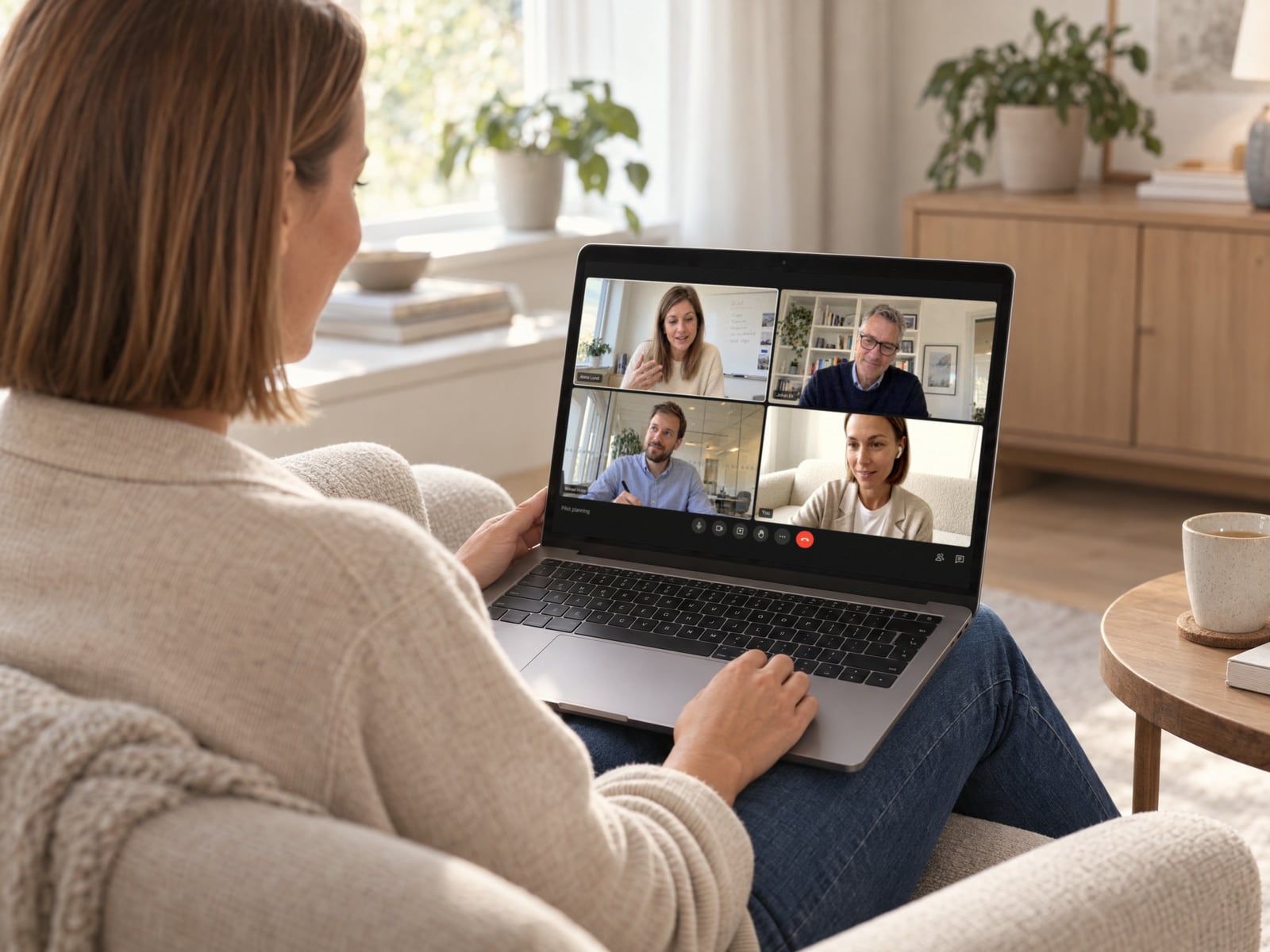
Over a woman's shoulder, a video call with three colleagues and her own camera on her laptop
Online meetings
Teams, Meet and Zoom
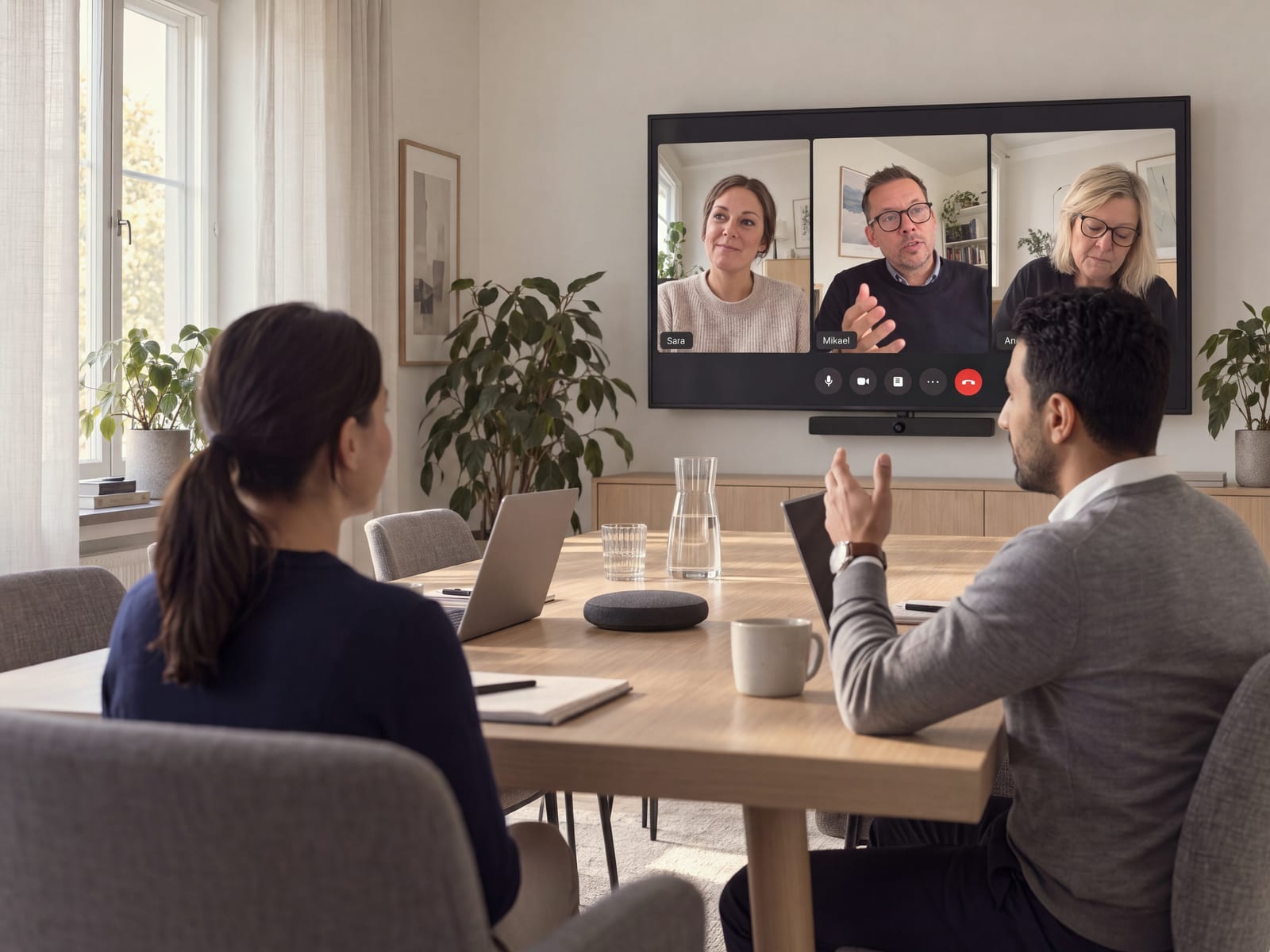
A hybrid meeting: two people at a meeting room table talking with three colleagues on the TV screen on the far wall
Hybrid meetings
In the room and on the call at the same time
A man laughing with a client at a round table in a bright meeting room, his phone on the table recording
In-person meetings
Right in Flowmeets, on your computer or phone
A close-up of a man on a phone call by the water in Stockholm
Phone calls
Through your carrier or IP telephony
Hands typing on a laptop at a café counter next to a cappuccino
Email
Email threads read alongside your meetings
One thread

The meeting, the call and the email in one Flow

The meeting, the call on the way there and the email thread land in the same Flow automatically, one per customer, deal, project or hire. Everything is in the order it happened, with a summary that stays current.

Nordvik Bygg AB
Construction · Stockholm
7 InteractionsOct 21 Last interaction3 Contacts
SummaryInformationQualification8Flows2

Nordvik has confirmed the pilot. The revised proposal and the site plan go out on Thursday, and a three-week pilot with the site managers starts after the signing on 14 Nov.

Sara Lind owns the budget. Open: who signs for the second site, and whether the pilot covers calls from the field.

Timeline
Oct 21Revised proposal, the figures for phase oneEmail thread · 3 messages · Read for Thursday's meetingSL
Oct 19Site reviewMonday · 14:02 · 42 min · In the roomALSL
The revised proposal goes out on ThursdayDecision · Site review
Oct 17Call with Sara LindThursday · 09:40 · 6 min · Through your carrierSL
Oct 9DiscoveryFriday · 10:00 · 38 min · TeamsALSLJB
A man laughing with a client across a table in a bright meeting room, a phone on the table capturing the conversation
9:41
Record
Record the meeting you are sitting in. Everyone at the table is separated in the transcript.
Site reviewfrom calendar
14:00 · Site review
24:18
Recording
PauseDiscard
Keeps recording with the screen locked. Pause or end it at any time.
HomeRecordMemo
In-person meetings

In-person and hybrid meetings, with every speaker identified

Record in-person meetings in Flowmeets on your computer or phone. Recording continues with the screen locked, and every person at the table is identified in the transcript. In hybrid meetings, the voices in the room are separated too.

From your calendar

Joins your meetings straight from your calendar

Connect Google Calendar or Outlook, and Flowmeets joins your Teams, Meet and Zoom meetings from that calendar. It joins external meetings by default, and internal ones once your team switches them on. Private meetings stay private.

Today
Wednesday 21 October
External meetings
09:00
Site review with NordvikGoogle Meet
ALSLFlowmeets joins
11:00
Weekly with the sales teamMicrosoft Teams
ALJEMHInternal · not joined
13:00
Intro call with Halvar LogistikZoom
JEFlowmeets joins
15:00
Salary reviewMicrosoft Teams
ALPrivate
A private meeting is visible only to you, and never in your team's recap.
A man on a phone call, walking along a city street on a grey autumn morning with a laptop bag over his shoulder
Call with Sara Lind
Nordvik · 6 min · Through your carrier
CapturingCaptured
TranscribingTranscribed, Swedish
Writing the summarySummary written
Adding to the Nordvik threadAdded to the Nordvik thread
Phone calls

Phone call transcription, just like meetings

Phone calls through your carrier or IP telephony are transcribed and summarized the same way as meetings, and land in the same Flow as the meeting they were about.

Email

Email included, so you see the whole conversation

Connect your email and Flowmeets adds the messages that belong to each meeting, so nothing sits in a separate thread.

Email search · Site review
Connected to your email
Searching the mailbox3 threads with Nordvik Bygg
Reading the latest threadRevised proposal, Oct 21
Picking what the meeting needsAdded to the Nordvik thread
Two people at a meeting table talking over printed site plans, she in Swedish, he in English
Sara LindSwedish
Tack för att ni kom. Ska vi börja med platsplanen?
Anna LundEnglish
Sure. Let us take it in English for Jonas.
Transcription

Meeting transcription that keeps every voice apart

Flowmeets separates the voices at the table and on the screen, so you know who said what. It works in 100+ languages, with Swedish, Norwegian, Danish, Finnish and English among the core languages, and a meeting that switches language halfway is transcribed as it was spoken.

Summaries

Notes in your language, whatever language the meeting was in.

Set the language once, and every summary, follow-up and CRM note is written in it. Hold the meeting in English and get the summary in Swedish, with the transcript as spoken. It arrives in your inbox as soon as the recording is processed, with action items, owners, deadlines and a link to your Recap.

Site review with Nordvik
Summary languageSwedishMeeting held in English

Nordvik bekräftade piloten. Det reviderade förslaget och platsplanen går ut på torsdag, och en treveckorspilot med platscheferna startar efter signeringen den 14 november. Sara Lind äger budgeten. Öppet: vem som signerar för den andra arbetsplatsen, och om piloten täcker samtal från fältet.

Three channels

Meetings, phone calls and email, all captured in one place.

100+ languages

Transcribed as spoken, including calls that switch language mid-sentence, with the summary in the language you set.

One Flow

Per customer, deal, project or hire, in the order the conversations happened.

flowmeets
Confirm opt-out

You opened the opt-out link from your email. Confirm below only if you want this meeting not to be recorded by Flowmeets.

Decline recording
SL
Sara Lind
Tomorrow's site review will be recorded
Sent yesterday 08:00Opening the page

Hi Sara,

Anna Lund has invited Flowmeets to take the notes at tomorrow's site review at 14:00. If you would rather it was not recorded, use the link below and the notetaker stays out.

Opt out of the recordingOpening the page
Consent

Everyone in the meeting knows it is recorded.

The notetaker joins under its own name, with an introduction message you write. Before an external meeting, Flowmeets emails the other participants an opt-out link: one click and the notetaker stays out of that meeting. Your team decides in the settings whether the email goes out, and when the notetaker joins at all.

In your CRM

Connected to your CRM? It updates itself.

The summary, the action items and the next step are saved straight to your CRM. You decide which fields are updated, and missing contacts are created. You can also ask about your meetings in ChatGPT, Claude, Gemini, Grok, Copilot or Slack.

Nordvik Bygg AB
Deal · HubSpot
Updated 14:31
StageProposal sent
Amount240 000 SEK
Close date14 Nov
Next stepRevised proposal, Thursday
Security

You stay in control of your meetings

Flowmeets is a Swedish company, and our own open AI models, which we host ourselves, run in Europe. You control the recordings, who may see them and how long they are kept.

GDPR-aligned
Flowmeets is GDPR-aligned and a DPA is included.
You control who sees what
Role-based permissions and SSO sign-in.
SOC 2, ISO 27001 and ISO 42001 in progress
Current status is in our Trust center.
Customer stories
“When colleagues ask for notes from a meeting, I can pull them up on the spot. Now the rest of the team wants it too.”
Martin RosénCSO · Leasify

Questions

AI notetaker FAQ

An AI notetaker, also called an AI meeting assistant, records and transcribes meetings and produces a summary with decisions and action items. Flowmeets covers online, in-person and hybrid meetings, phone calls and email. Connect a CRM and it updates the fields you choose.

Yes. You record right in Flowmeets, on your computer or phone, even with the screen locked, and Flowmeets identifies who said what. Hybrid meetings work too.

Microsoft Teams, Google Meet and Zoom, joined from your Google Calendar or Outlook calendar. For meetings in the room, you record right in Flowmeets on your computer or phone.

External meetings by default. Your admin can switch on internal meetings for the team, and any meeting can be marked private so only you see it. You can also invite the notetaker to a meeting that is already running.

The notetaker joins under its own name with an introduction message you write. Before an external meeting, Flowmeets can email the other participants so they can opt out. We recommend that you always tell people when a meeting is recorded.

Yes. Flowmeets transcribes and summarizes phone calls through your carrier or IP telephony, just like a meeting.

Yes. Flowmeets reads the email that belongs to the meeting, so you get the full picture.

Flowmeets works in 100+ languages, with Swedish, Norwegian, Danish, Finnish and English among the core languages. A meeting that switches language halfway is transcribed as it was spoken.

Yes. Set the summary language once in the AI settings, and every summary, follow-up and CRM note is written in it, whatever language was spoken.

Your data is stored in the EU. Recordings are handled on servers in the EU, and our own open AI models, which we host ourselves, run in Europe. You control who may see the recordings and how long they are kept, at most 3 years or according to your own settings. You can request the subprocessor list, with country and purpose, through our Trust center.

Yes. In Sweden, you may record a call you take part in, as long as someone in the call knows about the recording. What is prohibited is secretly recording a conversation you are not part of (unlawful eavesdropping, Chapter 4, Section 9 a of the Swedish Criminal Code). If you record at work, you should still tell the person you're speaking with that the call is recorded and why, because the GDPR requires that people are told how their data is used. Rules differ in other countries, so check what applies there.

Yes. After the meeting, you get a summary with decisions and action items that you can use as your minutes.

Yes. Flowmeets is GDPR-aligned; SOC 2, ISO 27001 and ISO 42001 are in progress. A DPA is included, our own open AI models, which we host ourselves, run in Europe and you control retention and access. Read more on our Security page.

The AI notetaker is included in Voyager, 49 euros per user per month, or 42 euros billed yearly. You can try it free for 14 days.

Contact us

See Flowmeets write your meeting notes.

30 minutes. See the notes, the follow-up and the CRM fields written from a meeting.

Book a demoTalk to sales